IM A COWRITER NOW :D
FUCK

YOU READ THAT SHIT RIGHT 🗣️
That is the only thing I had to say that's it, so to not make my first official post a barren picture, I will tell you about the thing I was working on today :D
GIANT ASS AD FOR BLENDER DON'T READ IF YOU DON'T CARE
I fucking adore blender, its like those 13 in 1 shampoo bottles that act as peanut butter.
Except blender actually does except blender actually does that!
if you download those 386Megabytes you get:
-Insane 3D modelling and animation software which is currently rivaling the 168$ PER MONTH industry standard Maya autodesk.
-Competent 2D drawing and animation software which I personally used and would say its good enough, it also features storyboarding.
-A video editor which to be fair is not really that good, you can manage away with creativity, tomfoolery and doohickeynation, yet still wouldn't recommend to go for it alone.
- VFX which goes hand in hand with both the video editor and the 3d modelling thing.
best part? FREE, no payment! they ask for donations but you can turn that off in the settings.
If you are a 3D artist, blender should be a nobrainer. You have the choice to either get maya and davinci resolve or adobe(weirdo) which will all ask for subscriptions,
Maya is 7GB and 168$, Davinci is another 4GB and single 238$ if you get the VFX and Editor package(not to mention, davinci also only works on windows and crashes very often regardless of hardware). I'm not gonna talk about adobe because I never used it and don't know the price, only thing I know is that they fucked over my uncle by asking him to pay 238$ to cancel his membership early or wait till the end of the month to pay 60$ 🥀
or save yourself the headache and get blender. Would work on FuckOS with full funtionality. WAY less diskspace and 0$ spent.
Sorry for the ad but I just had to
Now to show you what I was working on, this fat bitch called "Hakita" made a little retroslop goyim-brainwash simulator called ULTRAKILL and I made it a mission to recreate his shitty maps in blender.
goyslop game because it runs like shit
I want to recreate the maps in blender because I'm unemployed and don't do shit all day
In Ultrakill there is a Level which projects the skybox onto a wall with effects and shit or something I don't fucking know just look at the picture
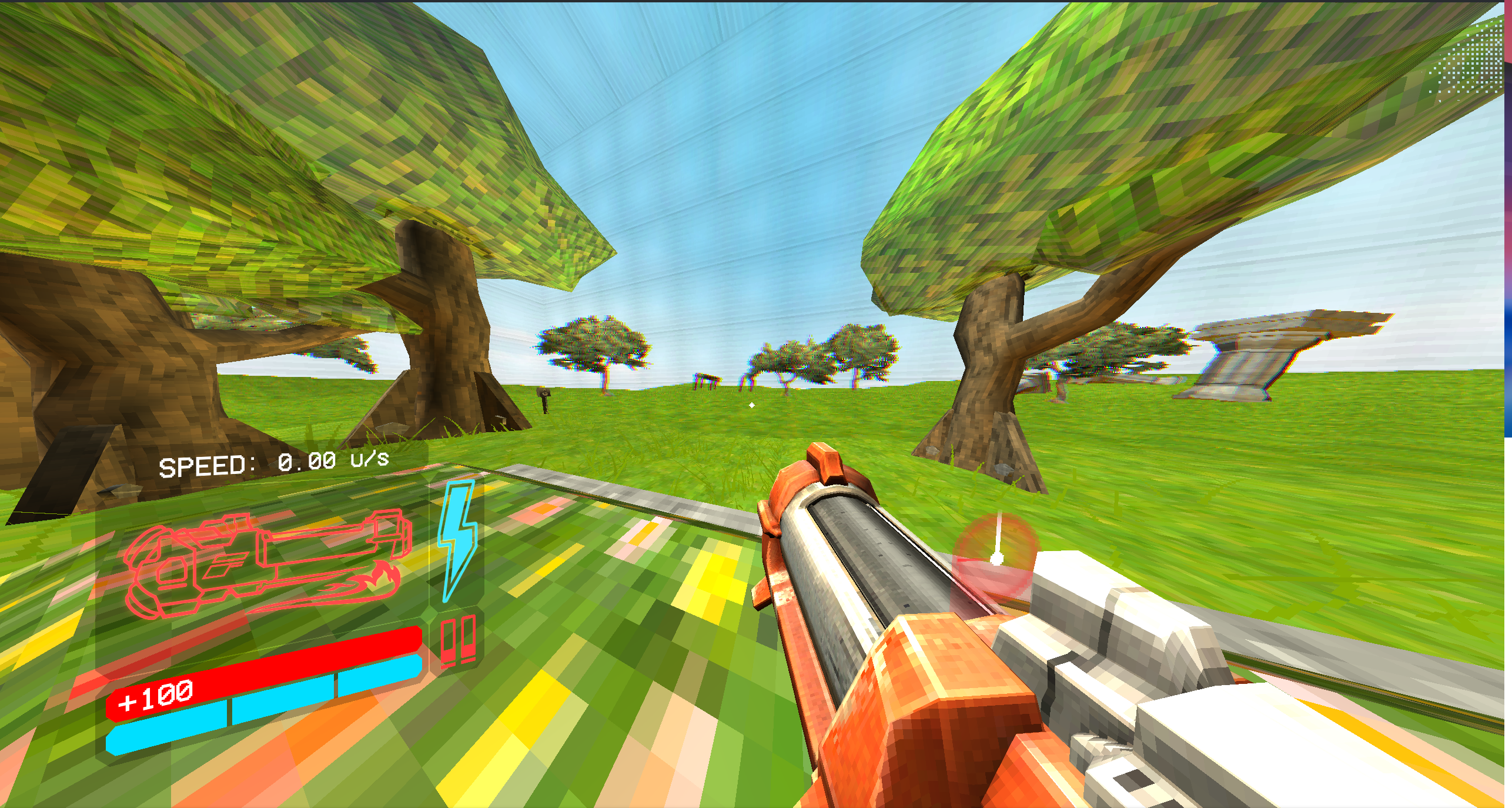
Basically how this works is that they have a skybox outside the map and on the inside is a stationary camera that rotates based on the players view
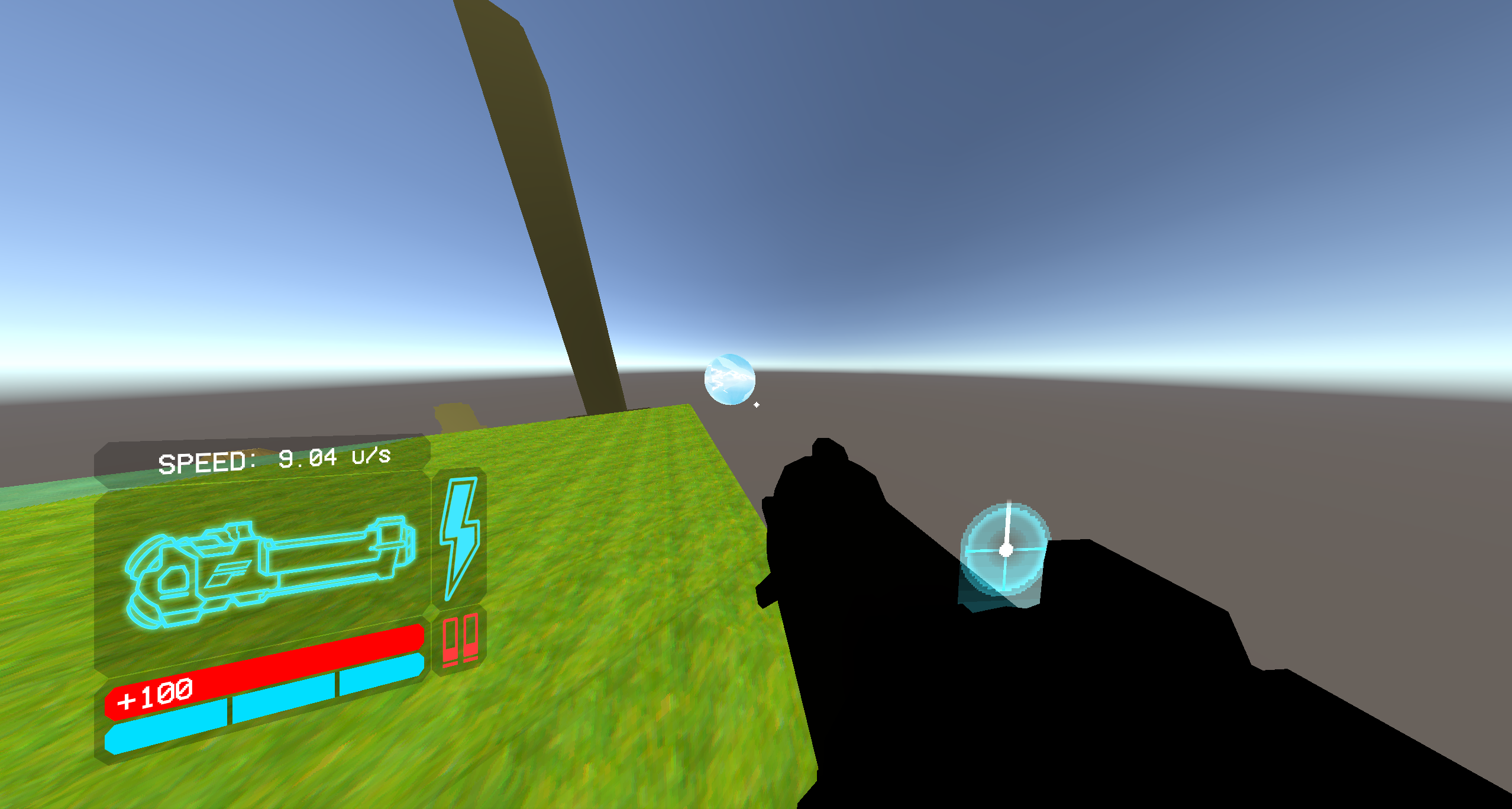
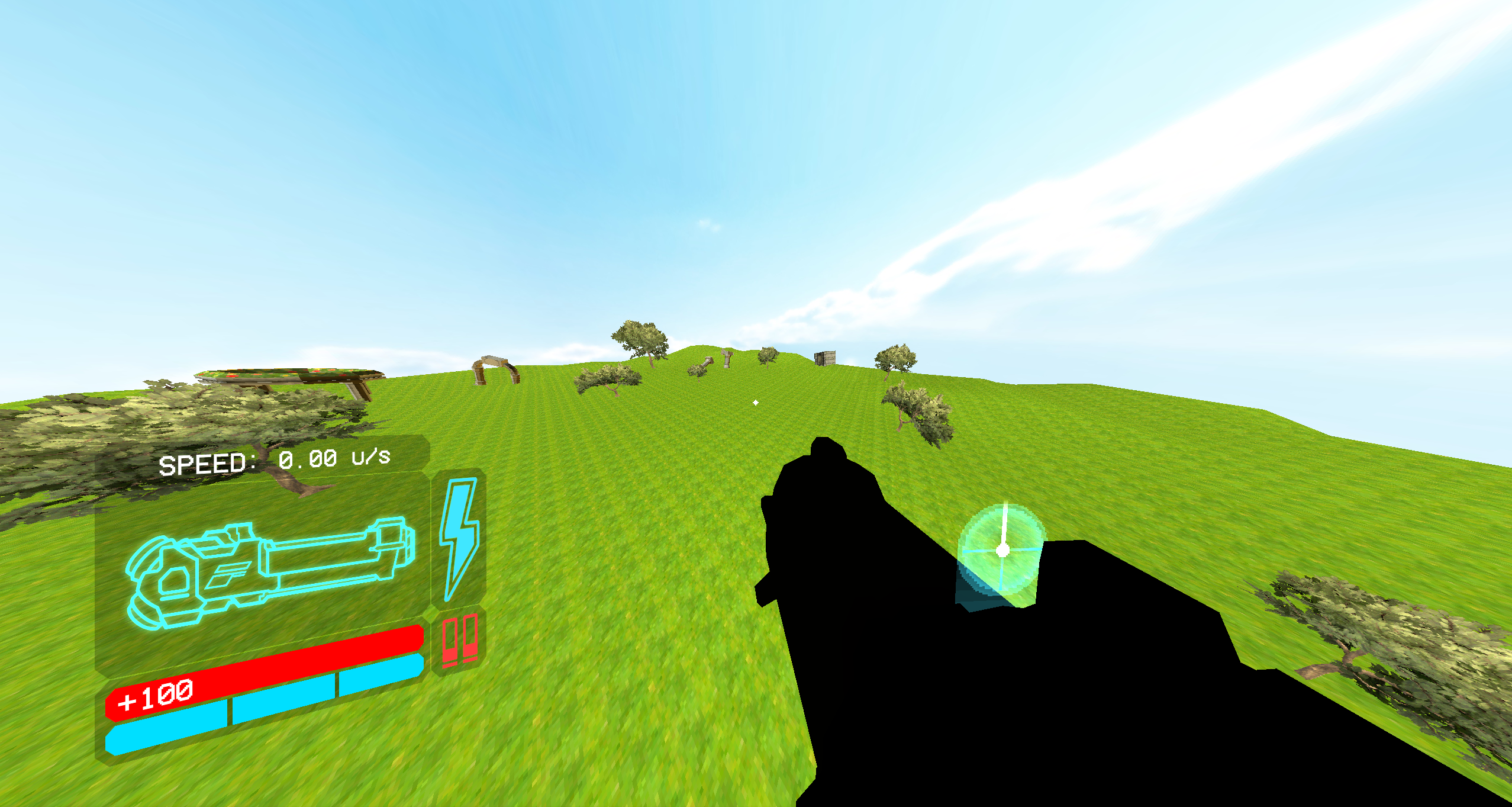
inside that little blue circle over there is the miniature scene which gets "texture projected" (lame ass word bro) onto the wall. Saves performance and allat yeah yeah whatever but it makes it difficult to recreate the scene since this shit needs a bit of fuckery to get working.
So obviously I started by exporting the map into blender and after a couple seconds it resulted in a big ass mess full of empties, color correctors(which don't do anything),Blockouts and more unity stuff that blender can't really work with
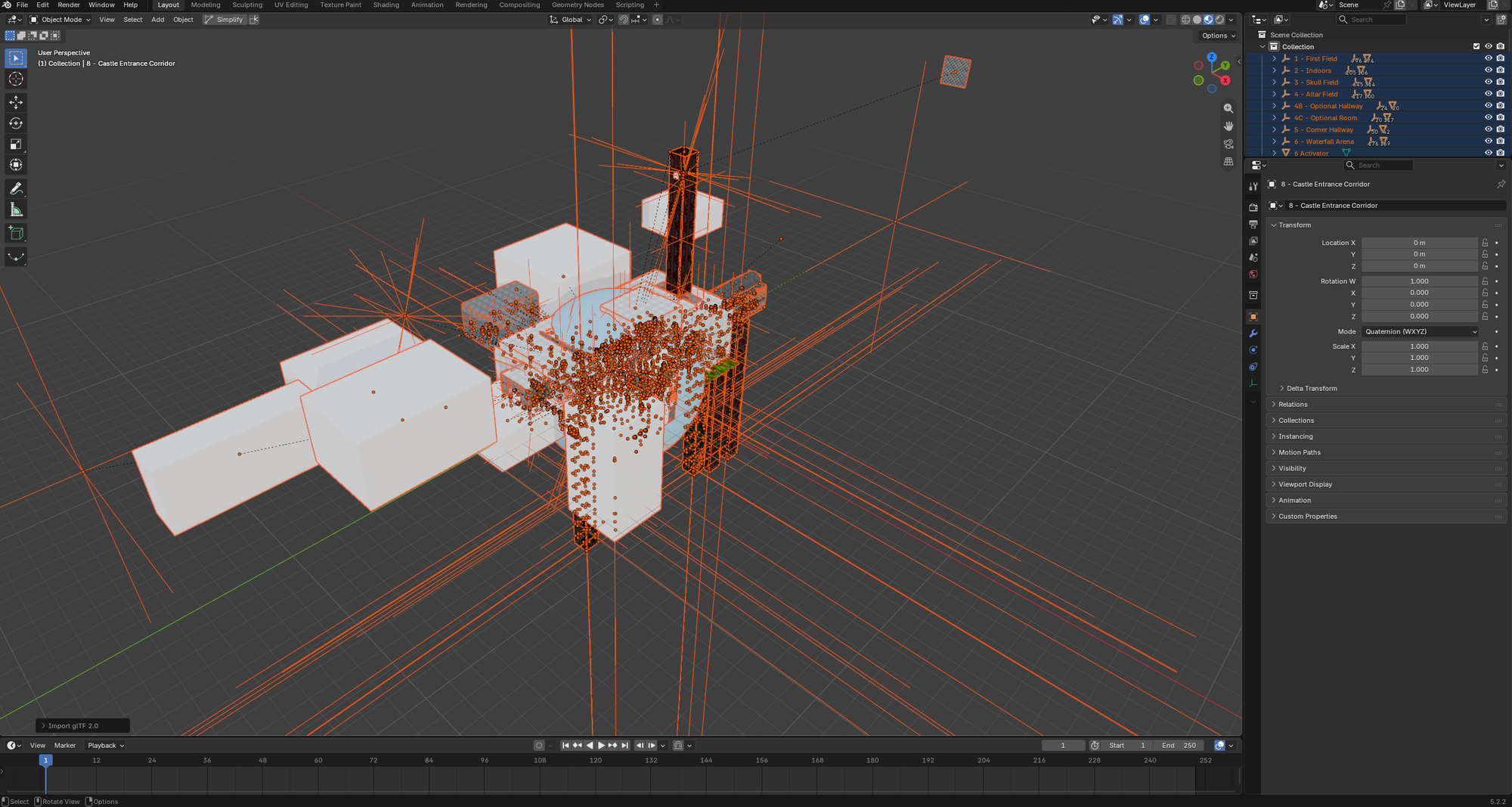
The first step is cleanup, easier than you think because those empties are already organized, you just have to put them into collections
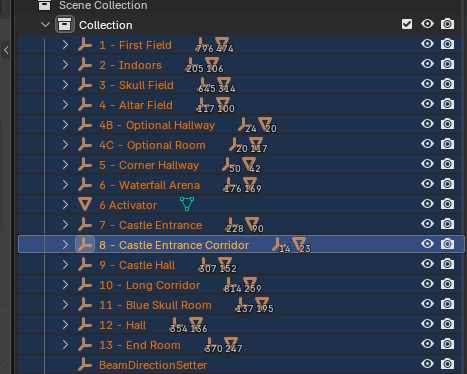
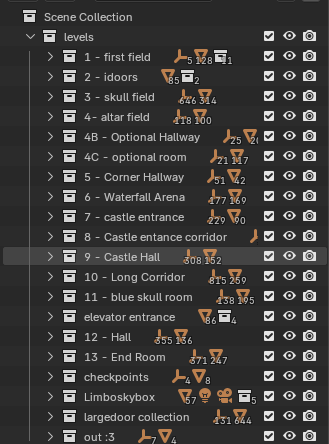
boring but you will love yourself for it later
usually you select everything and press alt+p to clear all parents(as in make stuff not depend on the empty its in) and choose keep transforms to have everything stay where it was. I didn't do that, I only fixed the first room to space time, I also organized every object to make the scene easier to work with.
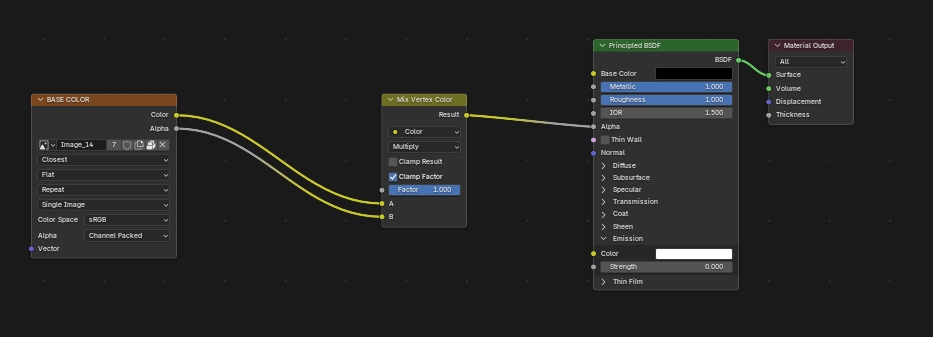
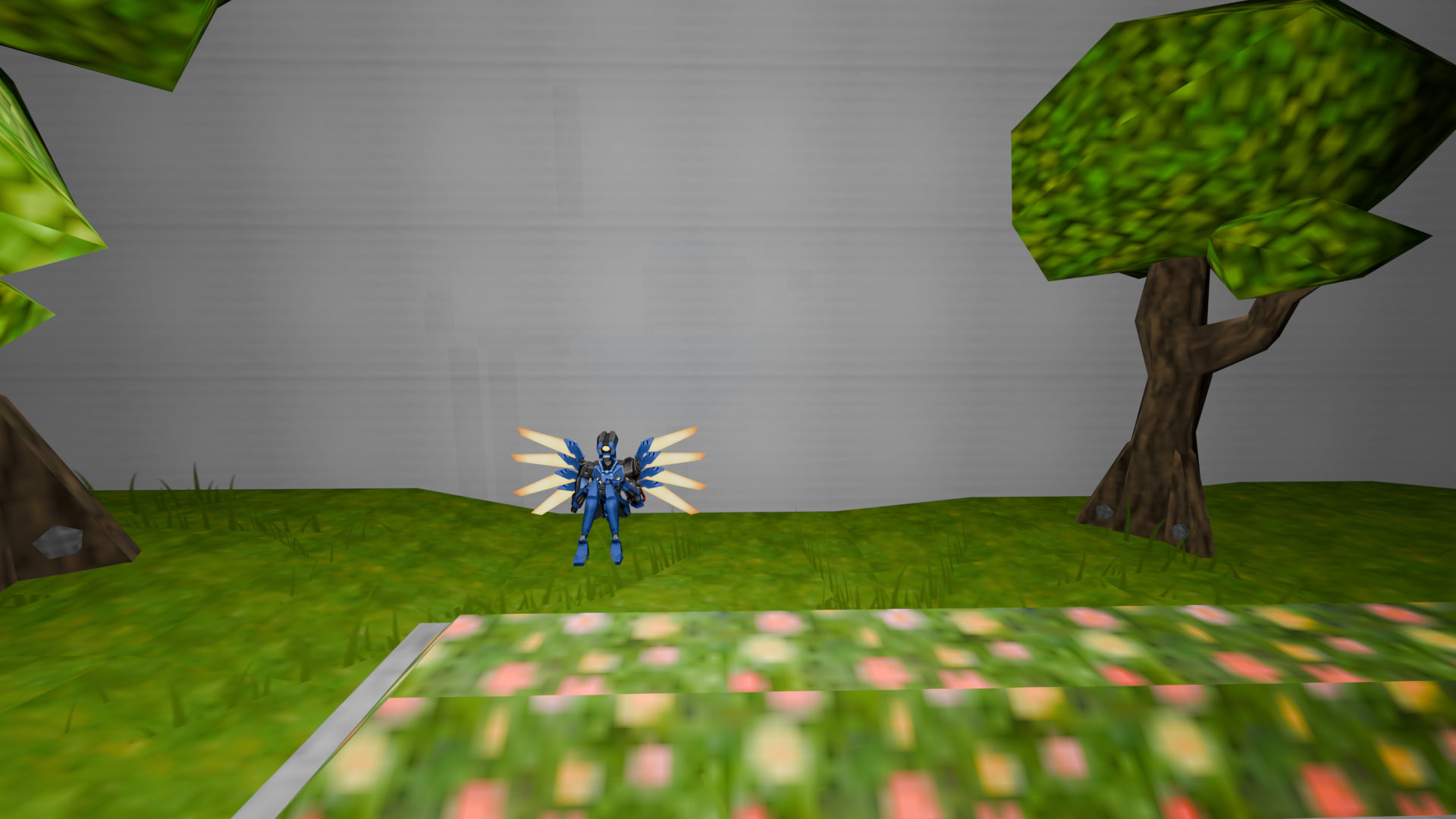
The room currently looks like this because this is the finished product(picture 1), but usually the walls are completely white with a little screen texture on them like in the second picture, to fix you just have to connect the alpha node of the image texture to the alpha of the principled BSDF, change the render method to blended so that the wall doesn't look dithered.
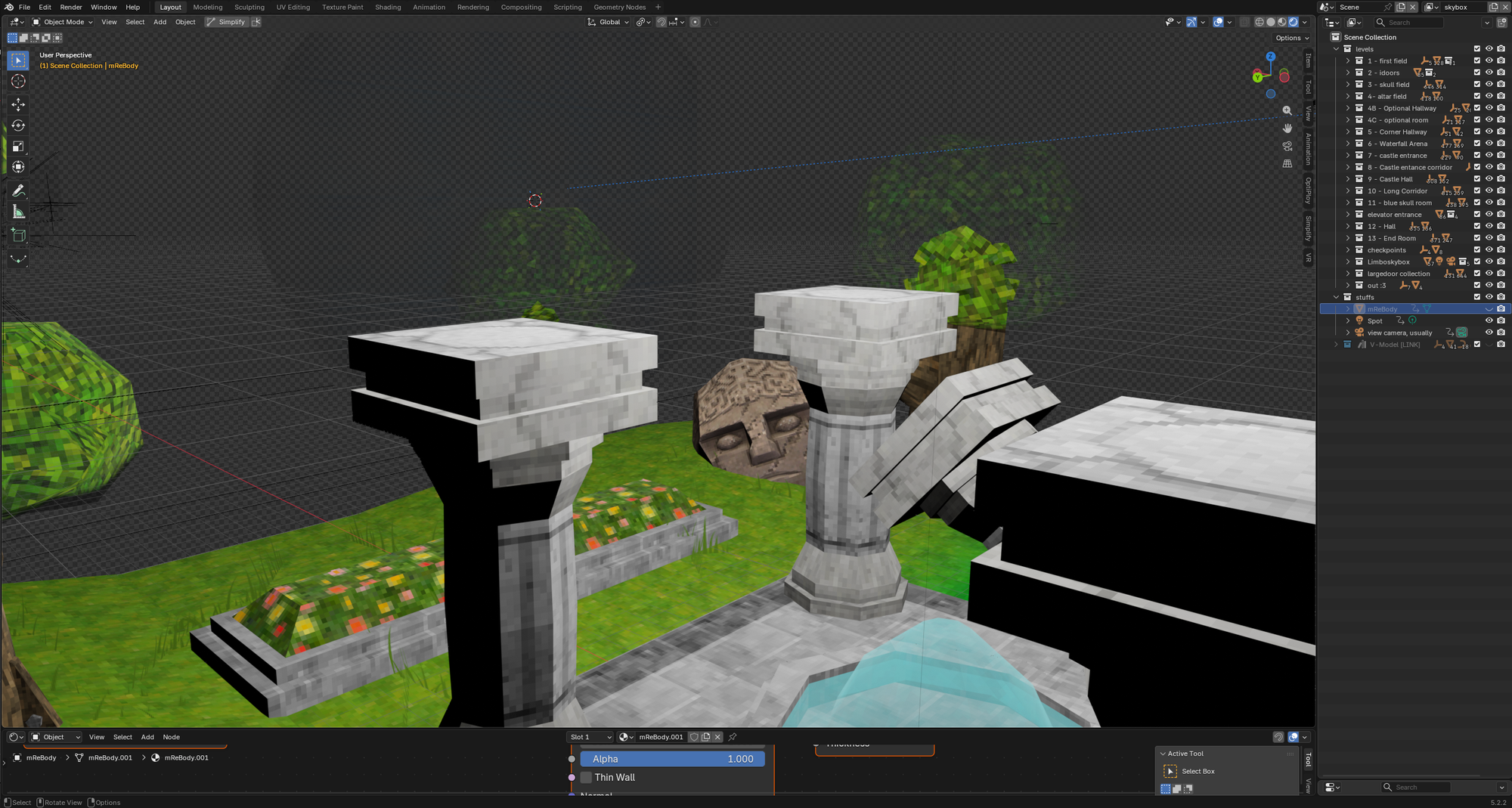
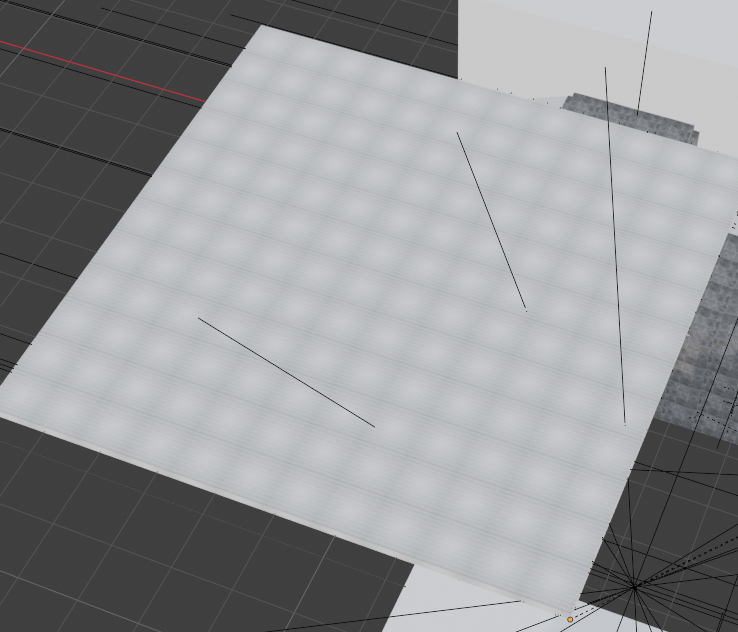
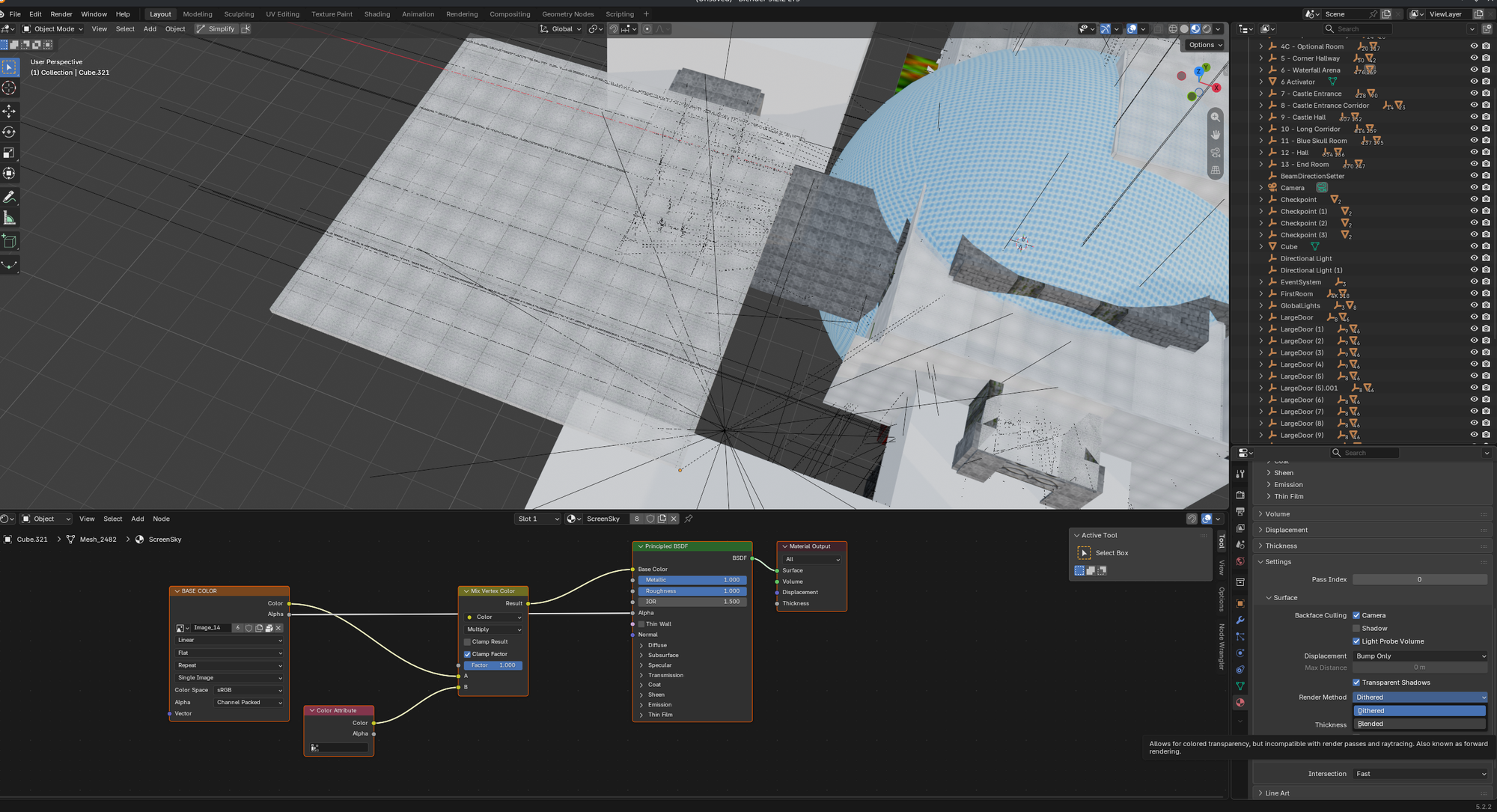
after fixing all the small stuff and everything being organized and setup and all that bullshit we can actually start working to recreate the scene
to even begin with this you need to move the skybox away from the room, light everything up and then create a new scene by clicking on those 2 paper shits in the top right corner and selecting "linked copy" for this case.
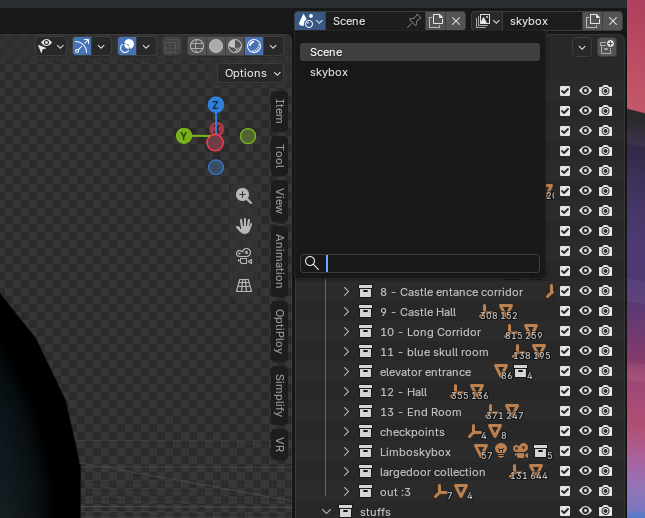
you call the new scene skybox, because in that scene the only thing there is to be seen is a skybox(and if you want to add more shit in the composition later it will be important to know what scene does what.)
In this scene you create a camera which you place inside the skybox and add a rotation constraint which you set the target to the main camera, so that where ever the main camera is looking the skybox camera will rotate to.
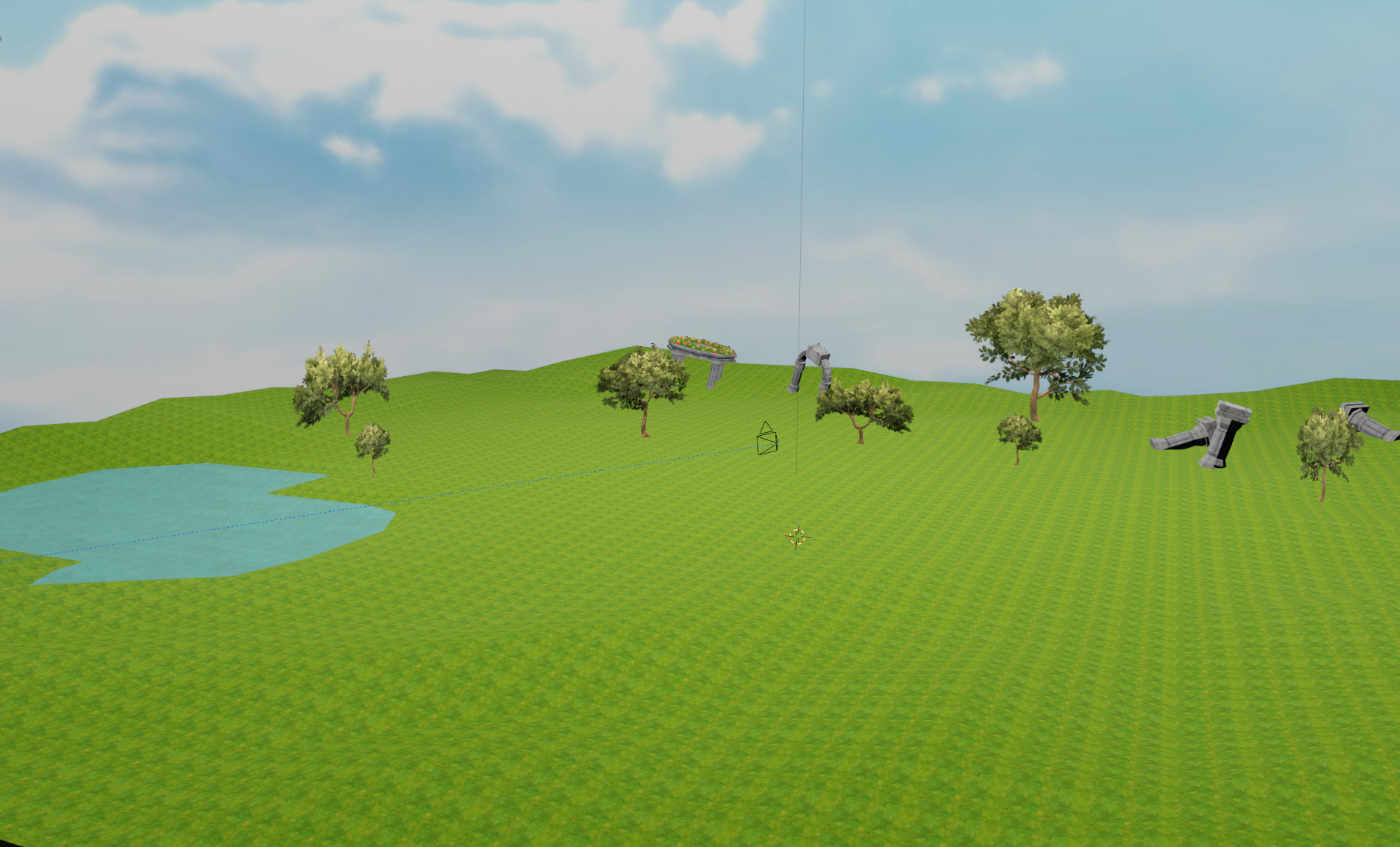
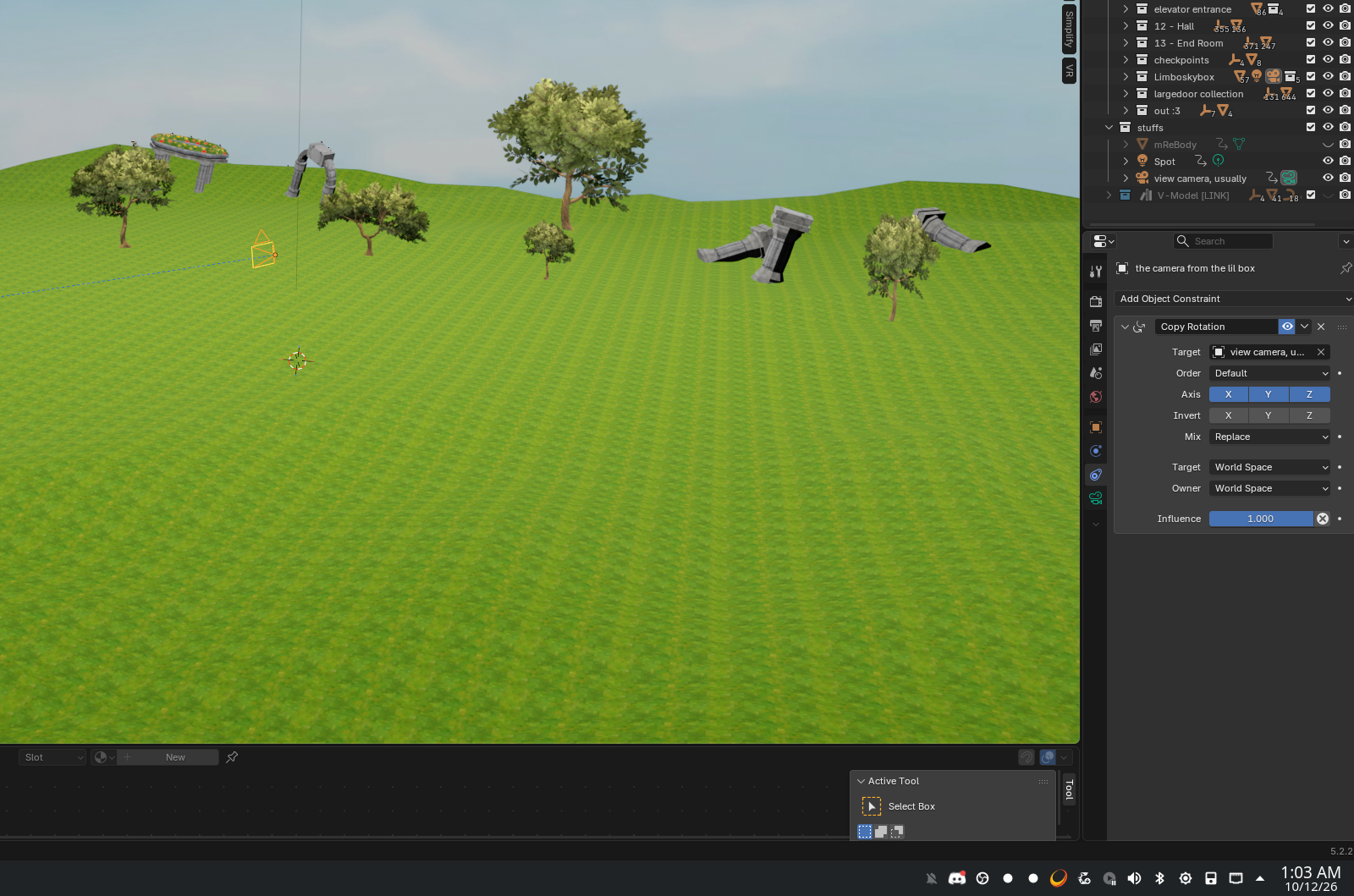
now that we have both scenes we need to go back to the main scene and make the screen walls project the camera view on them because currently we cant see shit there
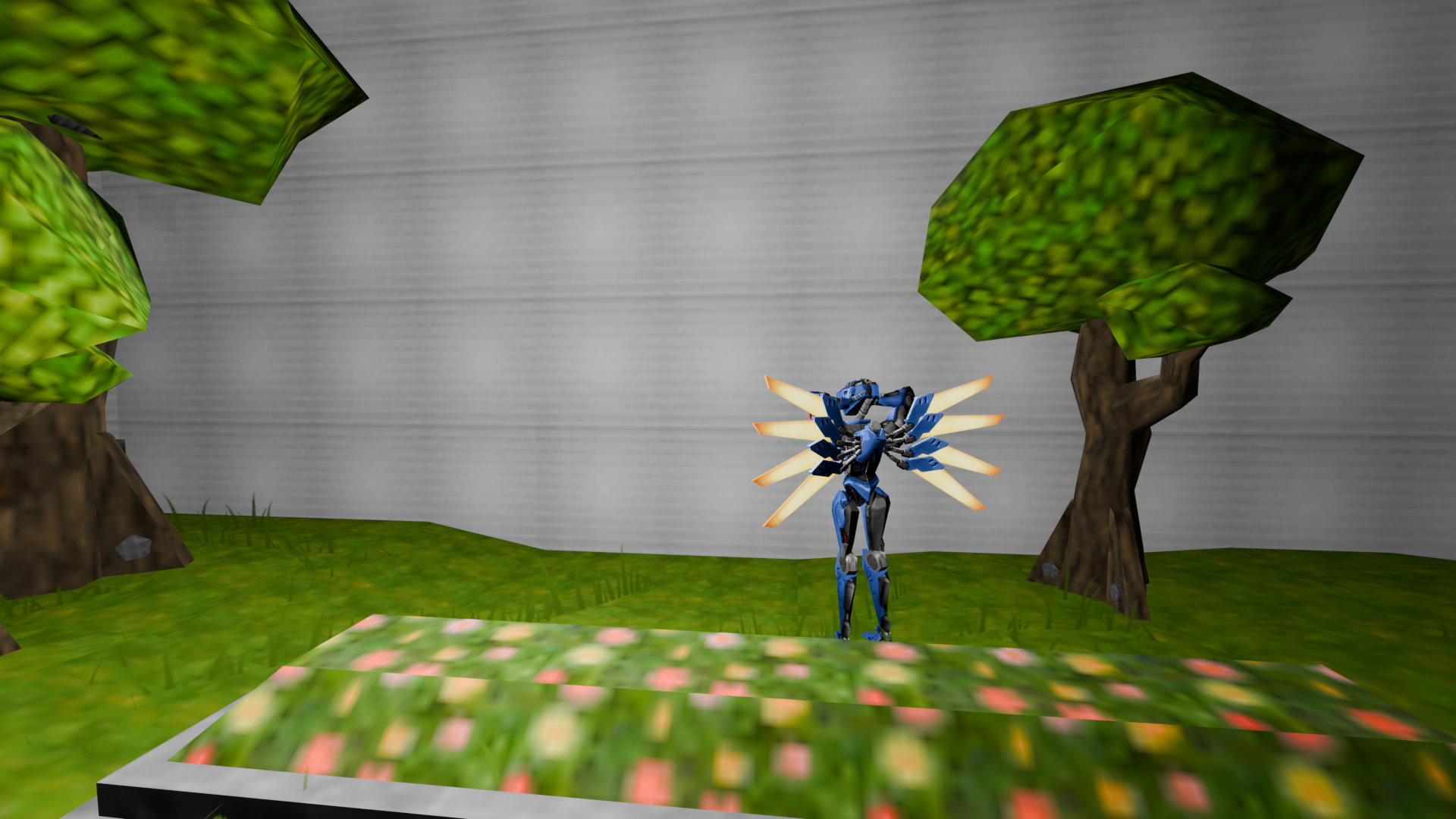
To fix the screen you need to setup its material nodes correctly.
I found that this setup works best for semi transparent materials. It took me a while to figure out, because like what baboon adds a damn alpha node to a background image input?? (me I guess)
If you copied the setup correctly the rest of the level should be vaguely visible in the background
Now you will duplicate the walls, scale them a bit bigger and enable holdout on the ones you duplicated, this will make sure than the screen stays, but the background behind the screen is invisible
crucial step and may seem stupid but trust me, the composition thing only works that way.
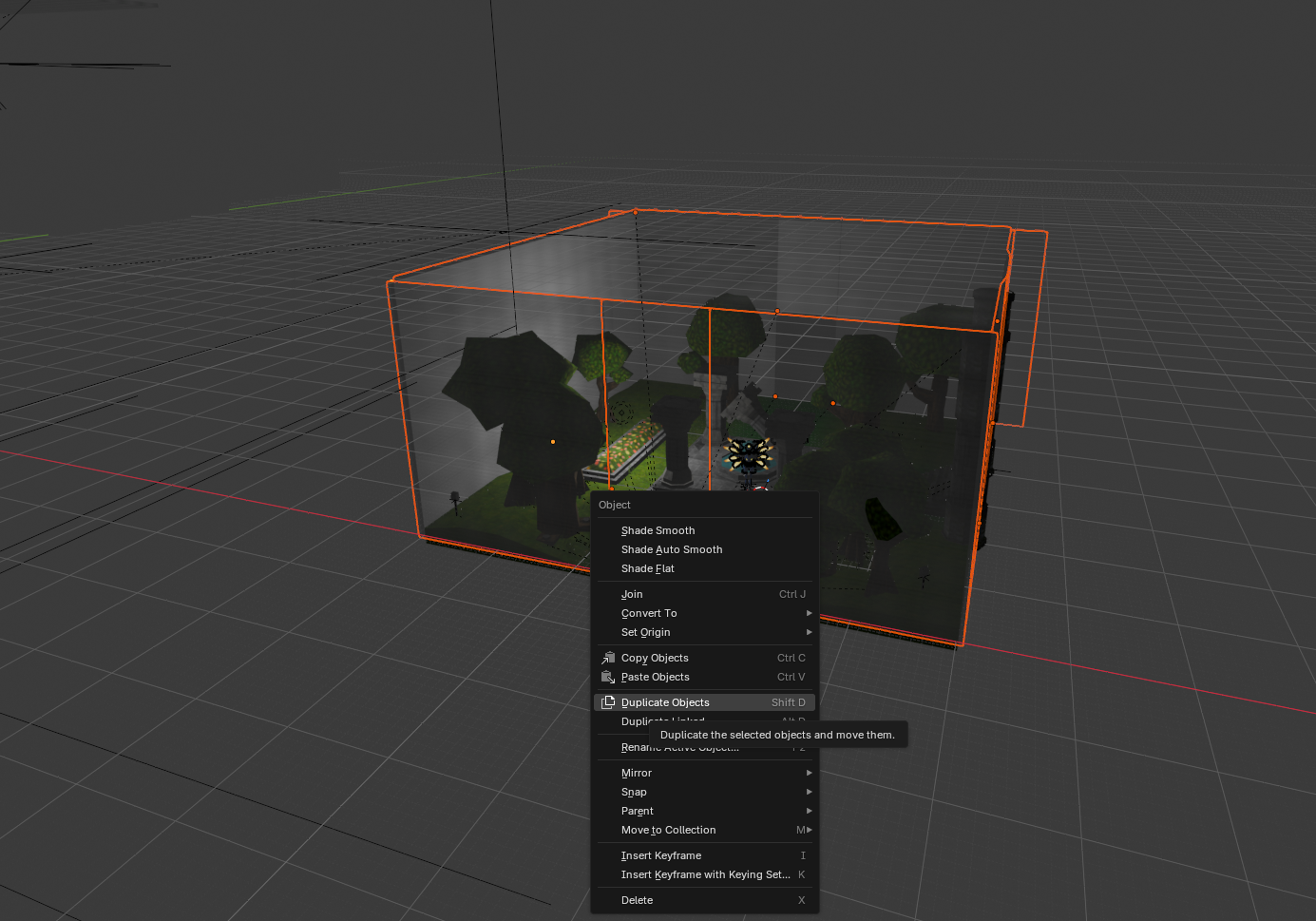
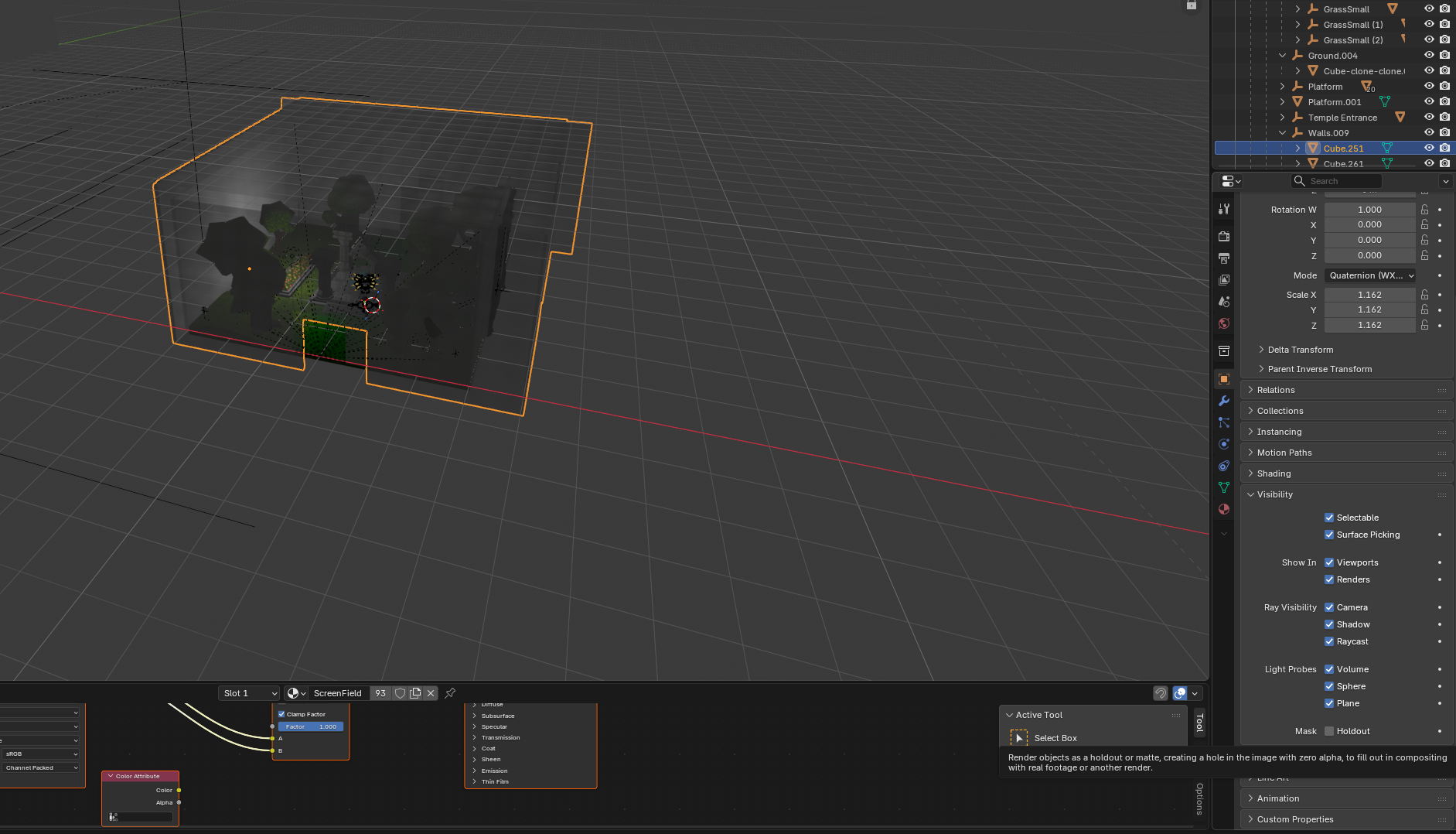
the holdout thing is that under mask
with that done we can go on to the compositor, which is where the skybox scene starts to get used :3
in the compositor tab you'll press on the + icon on top to create a new node setup and then you should see something like this
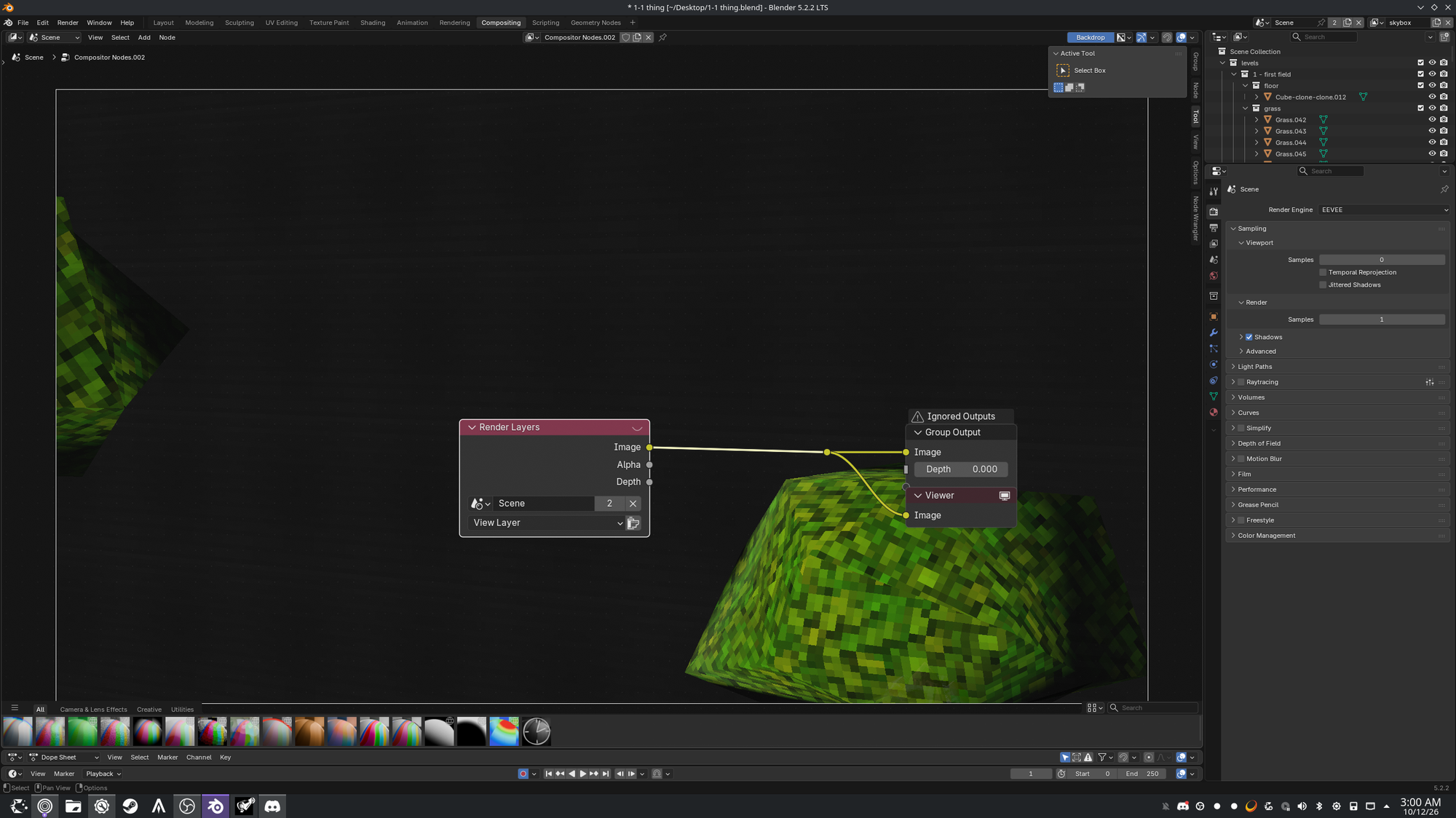
In the compositor you can setup your scene with mist, rain, fog, snow and whatever other effect you can think of. for our case its a really simple setup.
to get this shit working you will add an alpha over node which combines 2 image inputs.
An alpha over node is usually used to create fog but since it combines 2 images we will be exploiting that function to do our own shit.
You also need to duplicate the render layers node too, I forgot to mention.
so by the end your setup should look like this
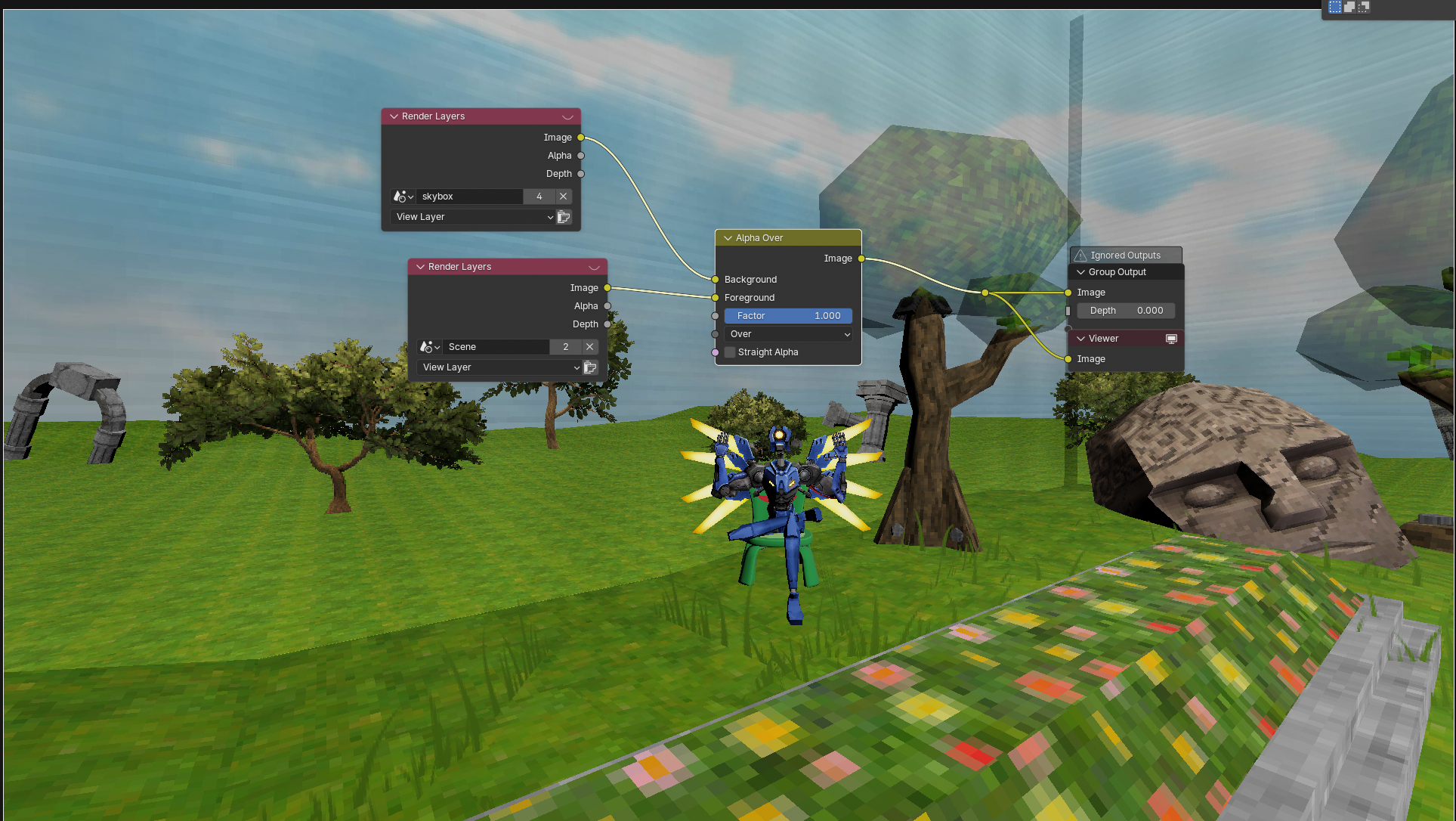
And its done, no matter where you move or look, the walls will always portray whatever the fuck the other camera from the other scene sees. Obviously this only works once you have rendered the image and all but this just shows what kinda shit you can create without doing anything really crazy.
But your scene right now should look kinda pixelated and terrible, so what you will do is copy and paste this script and run it in the scripting tab
script that changes all interpolation types to closest
import bpy
Run through all materials of the current blend file
for mat in bpy.data.materials:
# If the material has a node tree
if mat.node_tree:
# Run through all nodes
for node in mat.node_tree.nodes:
# If the node type is texture
if node.type == 'TEX_IMAGE':
# Set the interpolation -> Linear, Closest, Cubic, Smart
node.interpolation = 'Closest'
this will make every texture display at its full resolution, it will kirk your performance a lil but it looks way better.
I only realized like halfway through this was supposed to be a guide not a fucking post.
I absolutely do not apologize 🗣️
- With love and rage for the fact that my rig got fucked while trying to transfer it from the finished scene to the recreational one which turned it into a nuclear bomb that will ruin the entire scene
your new co-writer Stinky